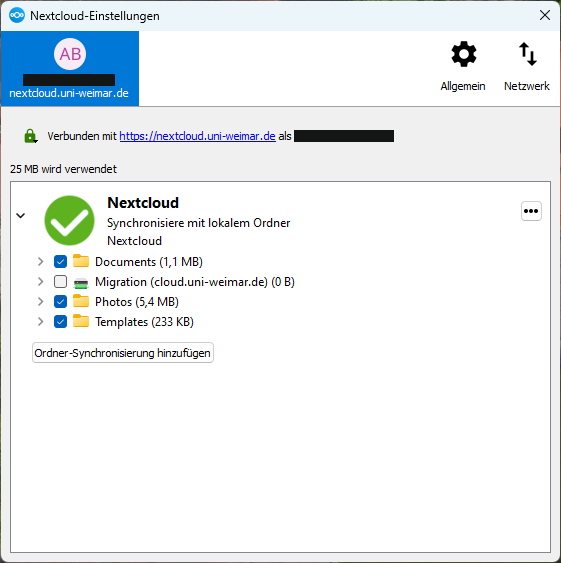
The client can be used on most computers and mobile devices. Please contact the Service Centre for Computer Systems and Communication (SCC) to install the client on any centrally administered computers.
1. Download
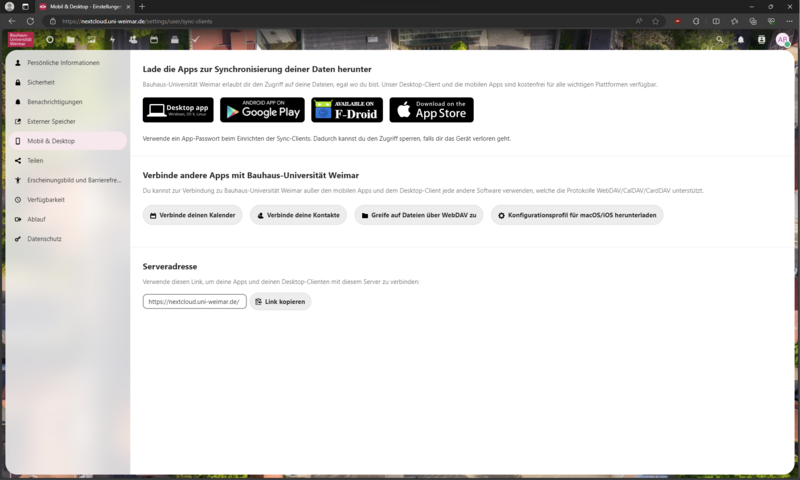
The latest version of the client can be downloaded after logging in here: https://cloud.uni-weimar.de/. Use this link: https://cloud.uni-weimar.de/settings/user/sync-clients or click on your profile icon. Then click on »Settings« and »Mobile and Desktop« in the menu on the left side to select the client you need to download.

2. Configurations
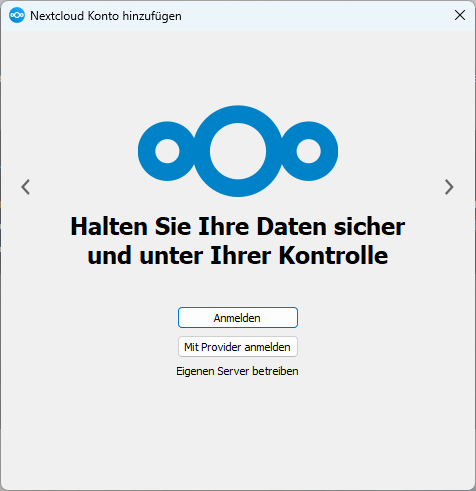
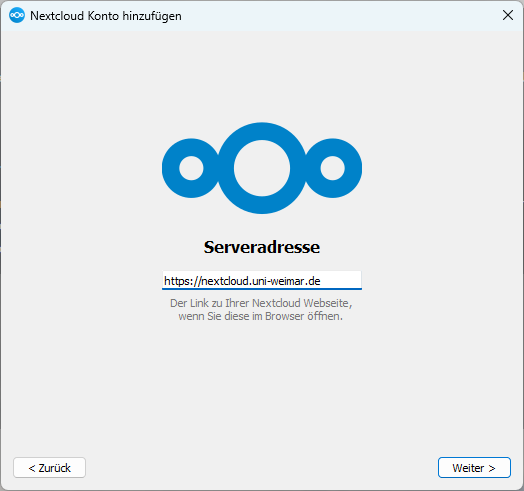
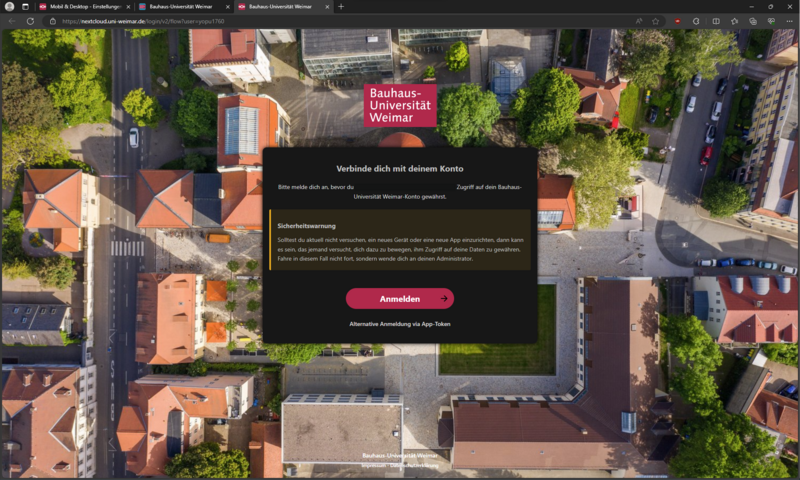
The client will need to be configured the first time you use it. There are two ways to log in: Log in using the Token app (recommended, see step 3) or using your uni log in (see step 4).

5. Client Overview
The client can be opened by clicking on the task icon. General information on your Cloud account can be found by clicking on the icon with your initial in the top right-hand corner.