
1. Registering
Register at https://gitlab.uni-weimar.de/.
2. Creating a fork
Create a fork for your own map: https://gitlab.uni-weimar.de/workadventure/templates/starter-kit

3. Editing
In order to make edits, the repository needs to be cloned. You can then use the Tiled Editor to edit the *.tmj files. You can find detailed instructions at https://docs.workadventu.re/map-building/tiled-editor/wa-maps/.
4. Publishing
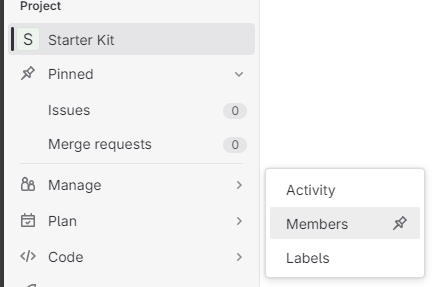
To publish, invite the workadventure-admin user as a project member. The access level must be set to »Reporter« at a minimum.

It may take a few minutes to create the campus area. You can access your own map at https://campus.uni-weimar.de/@/username/projectname/.