| Introductions are aimed at students of the Faculty of Art + Design. Workshops are open to students of other faculties as well. |
Registrations for the courses are only possible by email after the project and subject modules have been assigned no earlier than 13 April 2026. (Registrations received before then will not be considered.)
Please register via email from your university email address, stating the desired course number, your degree programme and the project or specialist course you have taken, to fotowerkstatt[at]gestaltung.uni-weimar.de
If you are interested and register, you must take all modules of an introductory course. It is not possible to »jump« between course modules or to join later or leave earlier.
All courses include a safety briefing for working in the photo workshop. For this, as well as for the course content itself, there is a Moodle course with a corresponding test. Successful completion of the associated Moodle courses is mandatory for independent work in the respective area of the photo workshop and must be completed again in each new semester.

Starting with camera technique, we will explore the fundamental desgign possibilities of photography — first in theory and then in practice — using digital SLR cameras. The second day is primarily devoted to the extensive technical equipment in the studio and learning how to use it safely. We will then set up an initial standard setup and practise working at the photography table. On the third day we will already be working largely independently in the studio, creating portraits with different lighting setups. Finally, we will take a look at post-production and the digital workflow of the photography workshop. Successful completion of all four modules of this introductory course is a prerequisite for independent work in our photography studios.
Duration: 14 hours
Material costs: 2€
3–6 participants
Prerequisites: An interest in lighting and image composition, and the creative and technical fundamentals of photography. Working with studio equipment requires patience and manual dexterity.
Course ST.1, Part 1. 20.04.2026 9–13 h
Course ST.1, Part 2. 21.04.2026 9–13 h
Course ST.1, Part 3. 22.04.2026 9–13 h
Course ST.1, Part 4. 23.04.2026 9–11:30 h
Course ST.2, Part 1. 24.04.2026 12–16 h
Course ST.2, Part 2. 28.04.2026 12–16 h
Course ST.2, Part 3. 29.04.2026 12–16 h
Course ST.2, Part 4. 30.04.2026 12–14:30 h
Course ST.3, Part 1. 20.05.2026 9–13 h
Course ST.3, Part 2. 22.05.2026 9–13 h
Course ST.3, Part 3. 27.05.2026 9–13 h
Course ST.3, Part 4. 29.05.2026 9–11:30 h
In the first part of the introduction, we will focus on analogue cameras used in the photography workshop: how to load film, camera functions and creative options of the camera. This will be followed by a short excursion, during which participants will expose black-and-white film and then develop it in the laboratory. In the second part, we will focus on digital processing, scanning and post-production of the image data.
Duration: 8 hours
Material costs 7€
2-4 participants
Prerequisites: Basically, working with analogue techniques requires manual skills and an interest in technical processes. We sometimes work in complete darkness. A high level of concentration is required when handling chemicals.
Course FS.1, Part 1. 06.05.2026 9–13 h
Course FS.1, Part 2. 13.05.2026 9–13 h
Course FS.2, Part 1. 19.05.2026 12–16 h
Course FS.2, Part 2. 26.05.2026 12–16 h
Part 1 of the introduction starts in the black-and-white lab. How does the enlarger work, what chemicals need to be provided, what needs to be taken into account? After these preparations, we first create a photogram and a contact print of the black-and-white film. In the second part, we enlarge one of the black-and-white negatives, control contrast and brightness, and take care of margin design.
Duration: 8 hours
Material costs: 9€
2–6 Participants
Basically, working with analogue techniques requires manual skills and an interest in technical processes. We sometimes work under a dim red light. A high level of concentration is required when handling chemicals.
Introduction SV.1, Part 1. 08.05.2026 9–12 h
Introduction SV.1, Part 2. 11.05.2026 9–13 h
Manipulation of the source code of digital image files. How are image files structured, and what happens when errors occur in different file types? We’ll be using various tools to corrupt files and explore the resulting visual distortions and artefacts. You can use the computers in our computer lab or bring your own devices.
Duration: 2 hours
Material costs: keine
2–8 participants
Workshop A, 07.05.2026 9–11 h
Workshop B, 07.05.2026 14–16 h
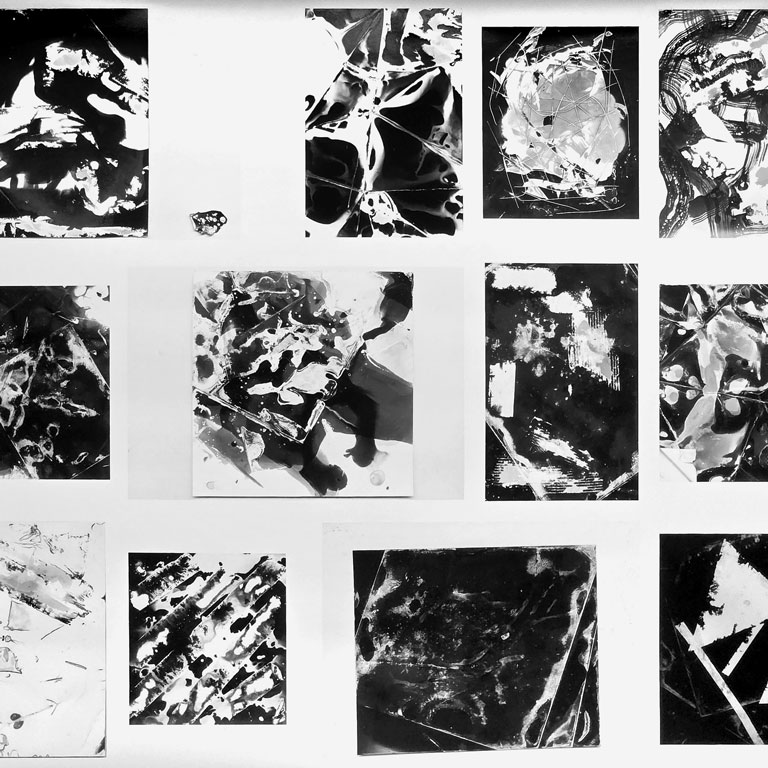
A photogram is a silhouette-like image created by the interplay of light and shadow on a light-sensitive surface. We can further influence the final image by using chemicals, scratching, creasing and cutting. We plan to use expired photographic paper from our stock for this, which can result in additional effects. Another advantage is that the (normally expensive) photographic paper costs nothing, so there are only costs for chemicals.
Duration: ca. 4:30 Stunden
Material costs: 3€
2–6 Participants
Workshop 12.05.2026, 13–17.30 h
Most people are familiar with motion blur in photography: either the camera tracks a moving subject, or it remains stationary whilst objects move across the frame during the exposure. In this workshop, we’ll take this a step further: we will experiment with line-by-line image scanning and observe how moving objects become distorted in the image. We will also try using a slit-scan simulation, in which space and time are manipulated separately using software – with sometimes surprising results. In addition, we use long exposures, which capture movement and »freeze« it at specific moments using carefully timed flashes of light.
Duration: approx. 4 hours
Material costs: none
2–6 Participants
Workshop 18.05.2026, 14–18 h
A popular classic among photographic fine art printing processes. This simple, environmentally friendly and nontoxic process can only produce comparatively few possible tonal values. Therefore, the focus will initially be on creating photograms. First, we dissolve two salts in water according to the neccesary concentration. These will be mixed together and applied to paper before processing. The sensitised paper can then be exposed to UV light and subsequently washed and dried.
During the workshop, digital files, which we can print on film in the workshop, can also be used as negatives in the contact printing process.
In the afternoon it is possible to carry on you work independently (additional material costs might apply).
Duration: approx. 3 hours
Material costs: €8
2–6 participants
Workshop 28.05.2026 10–13 h
We use this photographic process to produce positive paper prints from negatives. Salt printing dates back to the early days of photography and was developed by William Henry Fox Talbot between 1834 and 1839. The paper is first coated with a gelatin solution and dried. The paper is then sensitized. After drying again, we expose the paper with negative using the contact printing process under UV light and develop/fix the result.
Either existing large-format negatives or any digital image data can be used as negative templates, from which we produce negatives using slide printing.
Duration: ca. 6 hours
Material costs: 12€
2–4 participants
Workshop 03.06.2026 10–12 h + 14–18 h
In 1851, Frederick Scott Archer and Gustave Le Gray developed a photographic (glass) plate that became known as ambrotype, wet collodion process or wet plate process.
In this process, we will coat glass plates with a collodion emulsion and sensitise them. We will then have about 15 minutes to expose the still-wet plate with a large-format camera, develop it and fix it. After washing, we will seal the scratch-sensitive plate with a resin-lavender oil mixture. A black coating applied to the back of the glass plate ensures that the underexposed negative produces a positive image.
Duration: approx. 8 hours
Material costs: 12€
2–4 participants
Workshop 05.06.2026, 10–18 h
In this workshop, we will use the 30×40cm format of an old reproduction camera to expose analogue colour negative paper. We will first develop the paper negatives automatically in a black-and-white process. The unfixed result will then be exposed a second time under normal light and subsequently processed by hand in a chemical process for colour negative paper. Almost magically, a soft, barely recognisable black-and-white negative image transforms into a colour positive when poured over with colour developer. The result is a unique original, similar to a Polaroid.
Duration: approx. 6 hours
Material costs: 8€
2–6 participants
Workshop 10.06.2026, 10–12 h + 14–18 h
In our workshop »Unboxing Photo-Slop«, organised in collaboration with the Faculty of Media, Moritz Wehrmann (M.F.A. Media Art) will give us an insight into the technology behind AI-generated images. During the workshop, we will explore various graphical user interfaces while building a foundation for working with generative images. Moritz will also demonstrate which solutions can be installed on personal computers to enable server-independent work with AI image generation.
Workshop 16.06.2026, 14–18 Uhr
in Pool G at Bauhausstraße 11
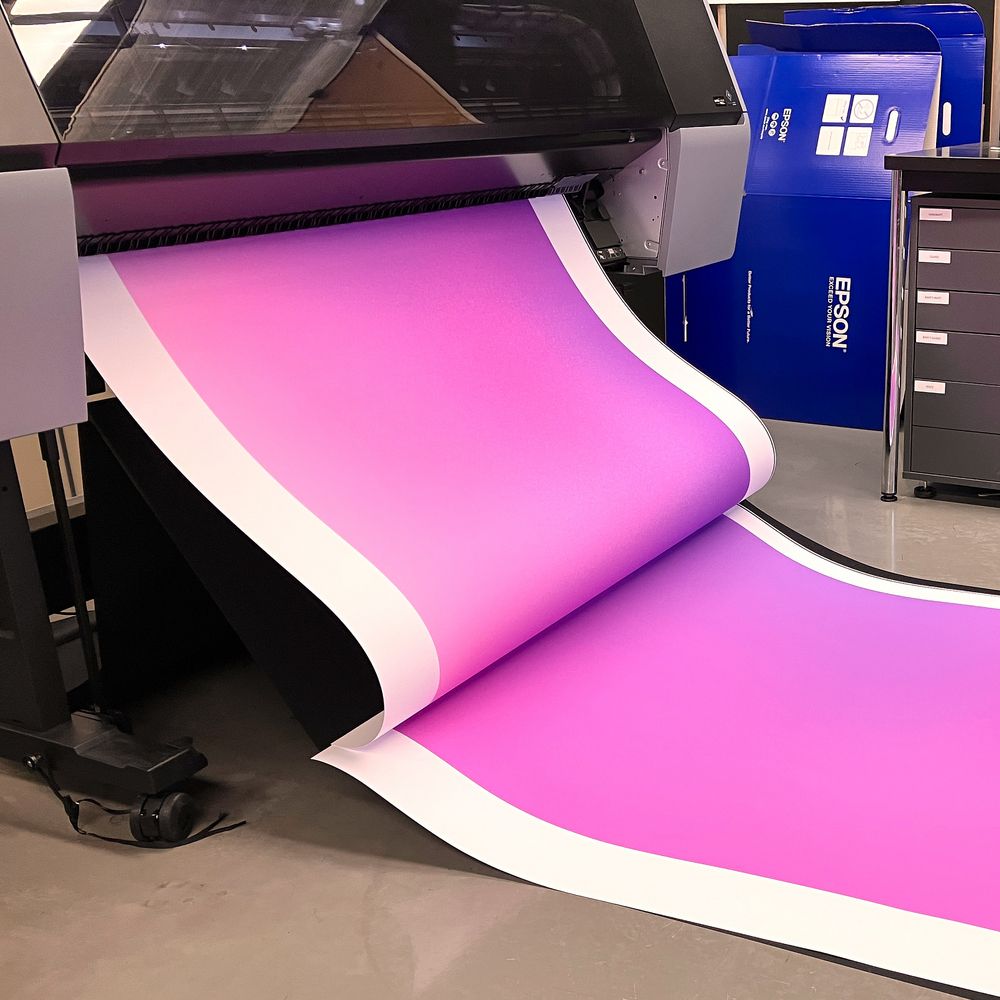
Summæry is coming! – It would be good if you didn’t convert the photos for the annual exhibition from a screen-based PNG to a CMYK-PDF when submitting them to us for printing. The process from RAW photo or InDesign file to high-quality inkjet, digital or offset printing is not rocket science, but it varies depending on the output device – and comes with some typical pitfalls. Topics such as colour, resolution, sharpening and image size form the basis of this. Above all is the focus on your projects: as a group, we will develop suitable workflows for the Summæry and discuss presentation options – such as frames, passe-partouts, lamination or screen presentations.
Duration: max. 3 h
Material costs: none
2–8 Participants
Workshop A, 24.06.2026 09–12 Uhr
Workshop B, 24.06.2026 14–17 Uhr
Possible topics: Advanced basics, workspace, layers, tools, adjustment layers, layer masks, smart objects, digital workflow and problem solving.
Format: Problem-oriented with own files and/or topic-oriented with existing materials in small groups of up to 3 people.
Frequency: Upon request in small groups
09–10 h Basics for beginners
10–12 h Working in Photoshop
Registration by email at least 2 days in advance. You can work on one of our workstations (Windows PC) or your own device (Adobe CC required).
Changes from color to monochrome mode
contrast active
contrast not active
Changes the background color from white to black
Darkmode active
Darkmode not active
Elements in focus are visually enhanced by an black underlay, while the font is whitened
Feedback active
Feedback not active
Halts animations on the page
Animations active
Animations not active