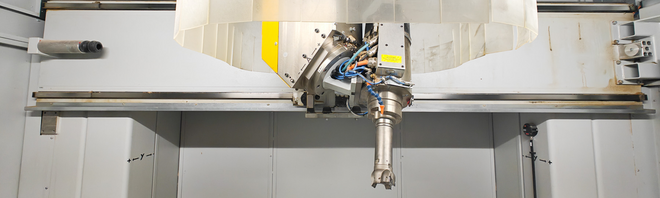
Workshop for CAD, CAM and CNC milling
The workshop for CAD, CAM and CNC milling combines digital design and material implementation. It is closely linked to the areas of wood, synthetic materials and model making.
Here, digital models are created, analysed and transformed into physical objects. The workshop enables precise, computer-aided manufacturing processes and offers space for creative, experimental and practical applications.
From digital model to milled form
The work process follows a clear digital procedure. The starting point is digital data sets, which are either generated using CAD software or obtained through 3D scanning. Based on this, milling paths are programmed before the CNC milling machine manufactures the objects.
Close integration with the workshops for wood, synthetic materials and model making allows digital designs to be combined directly with material-related work steps. This enables components and models to be further developed across workshops.
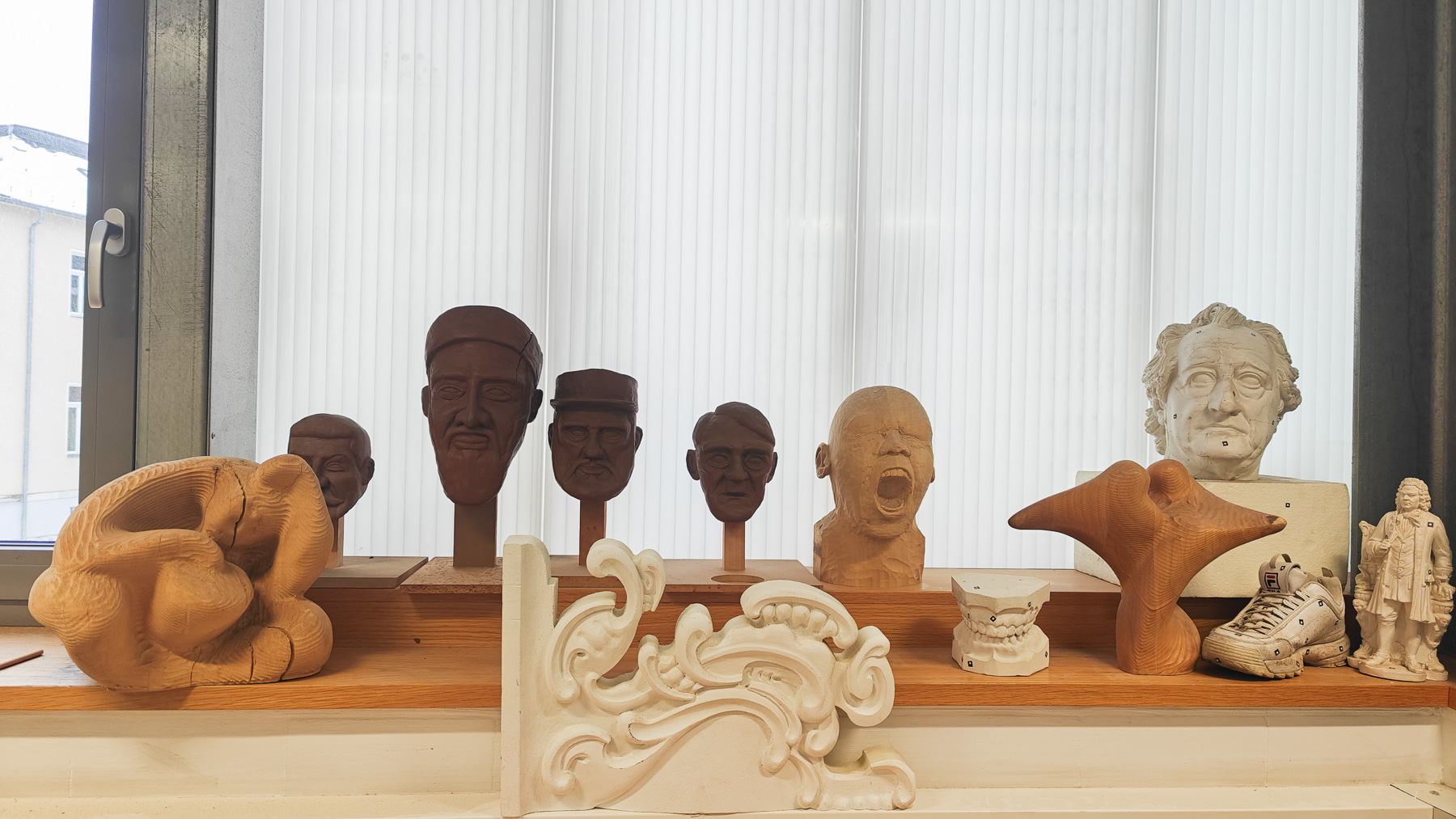
CNC milling is a subtractive process: it removes material from a blank in a targeted manner until the desired shape is achieved. This process is used to create components, models, moulds, reliefs, templates and furniture elements, among other things.
Materials and applications
A variety of materials can be processed in the workshop. These include in particular:
- Synthetic materials
- Wood-based materials
- Composite materials suitable for milling
- Aluminium in suitable alloys
This variety of materials opens up possibilities for artistic, creative and prototypical projects.
Technical equipment
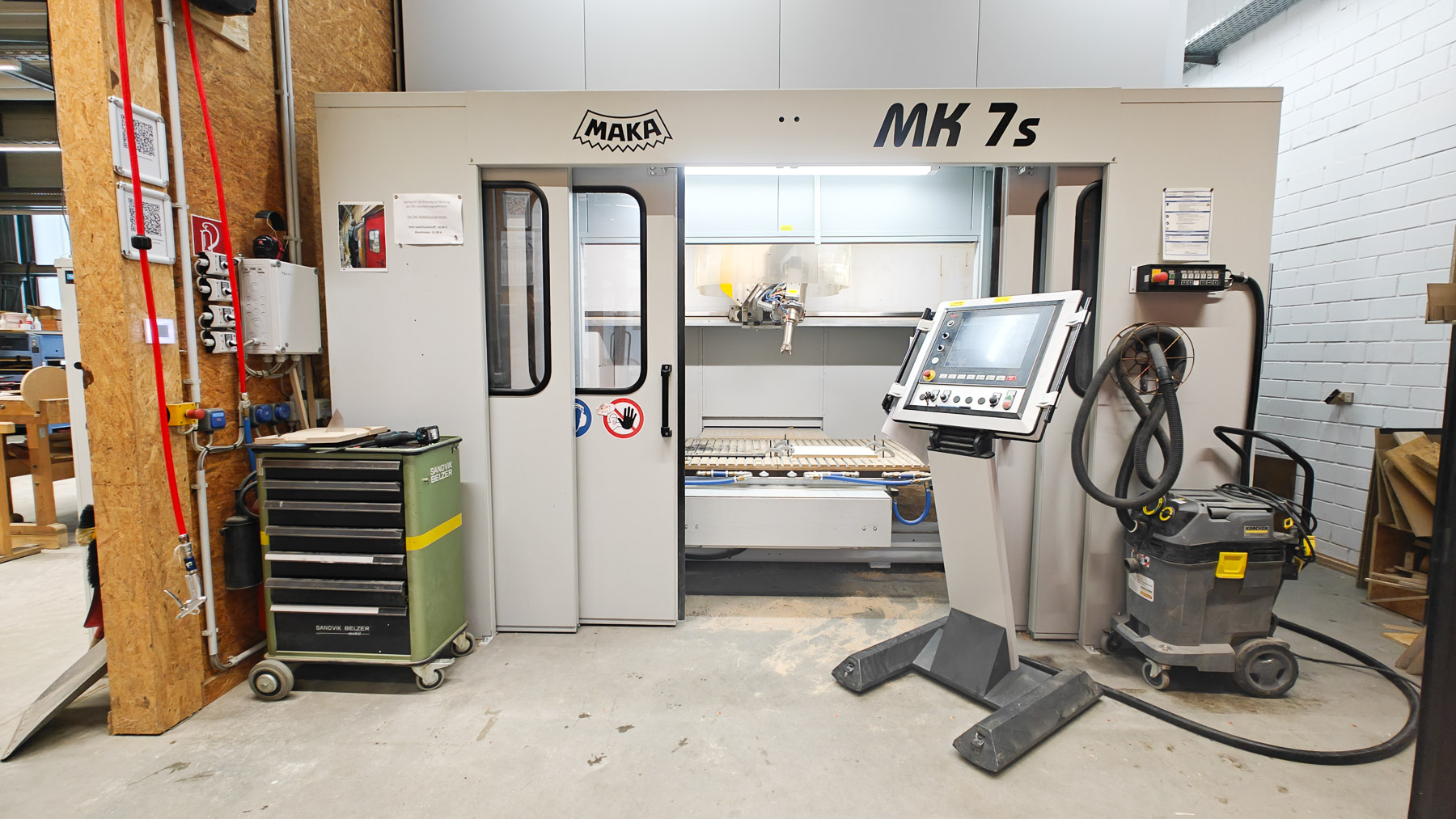
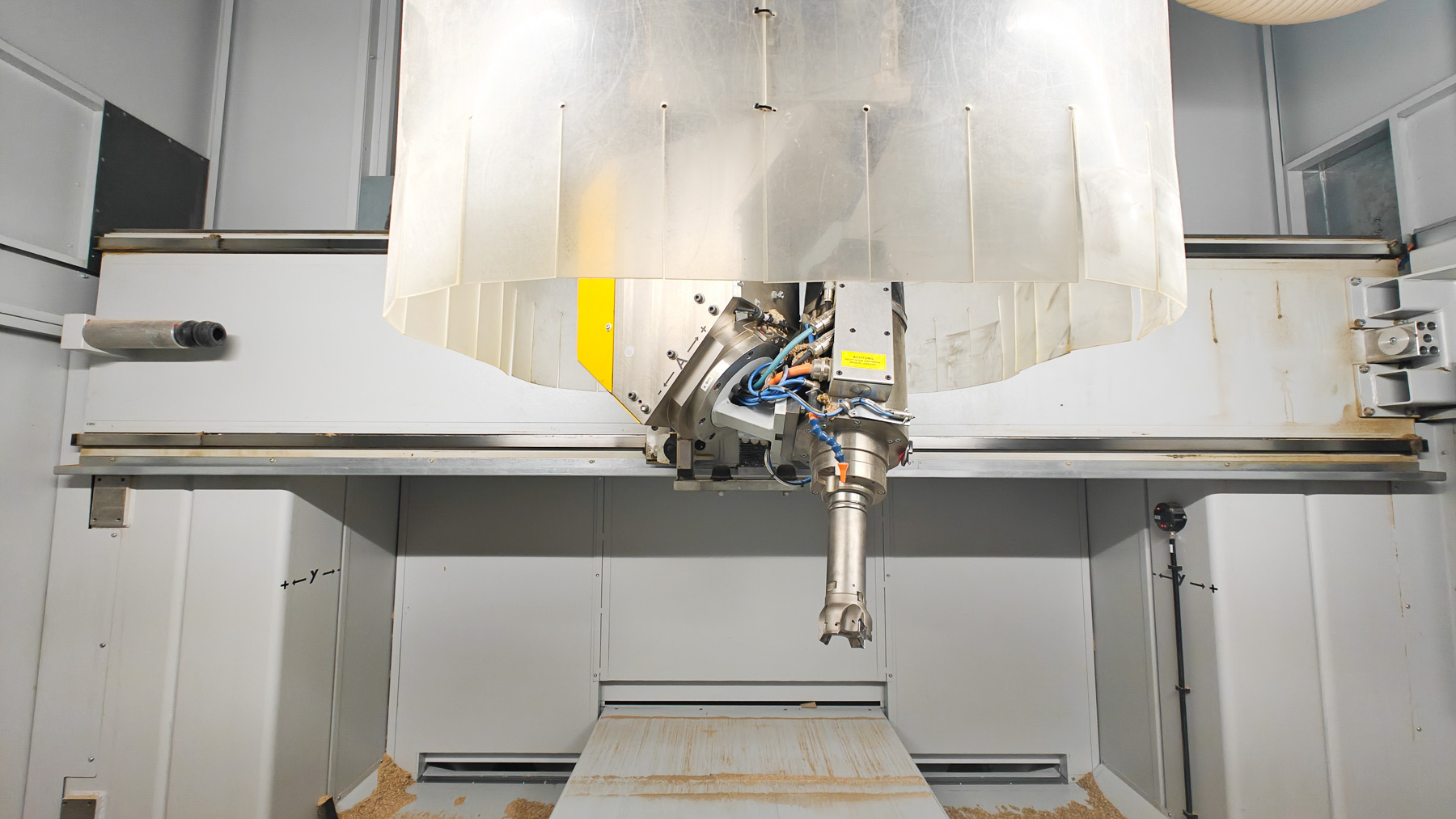
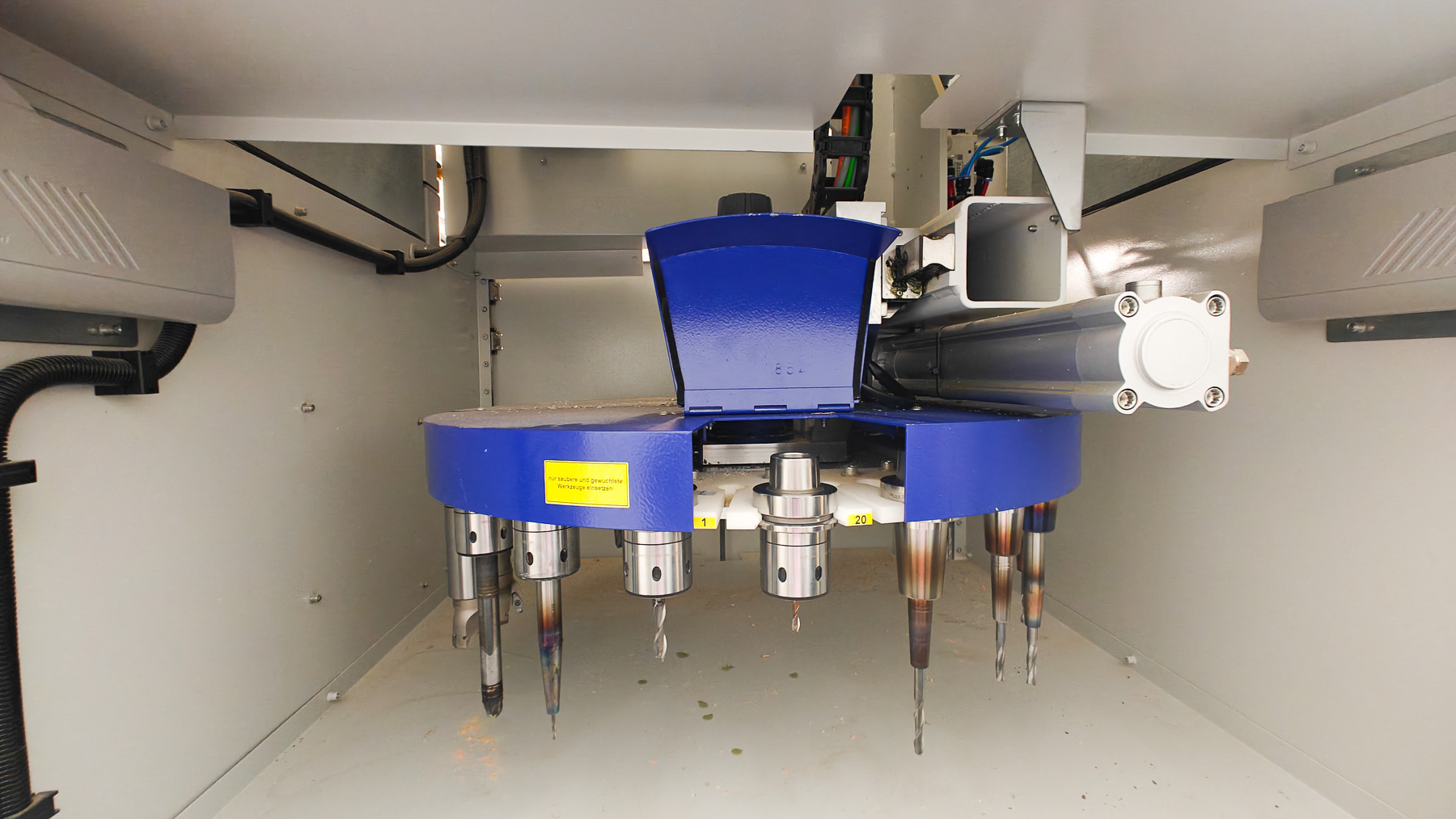
The centrepiece of the workshop is a 5-axis CNC milling centre with a working area of approx. 2 × 1 × 1 metres. A 3D scanner is also available for digitally capturing objects.
In addition, additive manufacturing processes can be used, such as a Resin 3D printer, which is available in the Synthetic Materials Workshop.
This allows subtractive and additive processes to be combined in a meaningful way.
Technical support and exchange
Jacob Lettl, M.A. Architecture, supervises the work in the workshop. He advises on digital designs and manufacturing processes, provides support for complex projects and introduces students to the safe use of technologies. The workshop sees itself as a place where digital planning and practical implementation come together.